Generate Multiple Product Design Concepts from One Idea
Turn sketches, CAD screenshots, reference images, or text descriptions into multiple product concept renders. Explore different design directions and refine your favorite ideas.
Single Design Brief: Over-Ear Wireless Headphones
Input: Hand sketch · 4 distinct AI product concept candidates
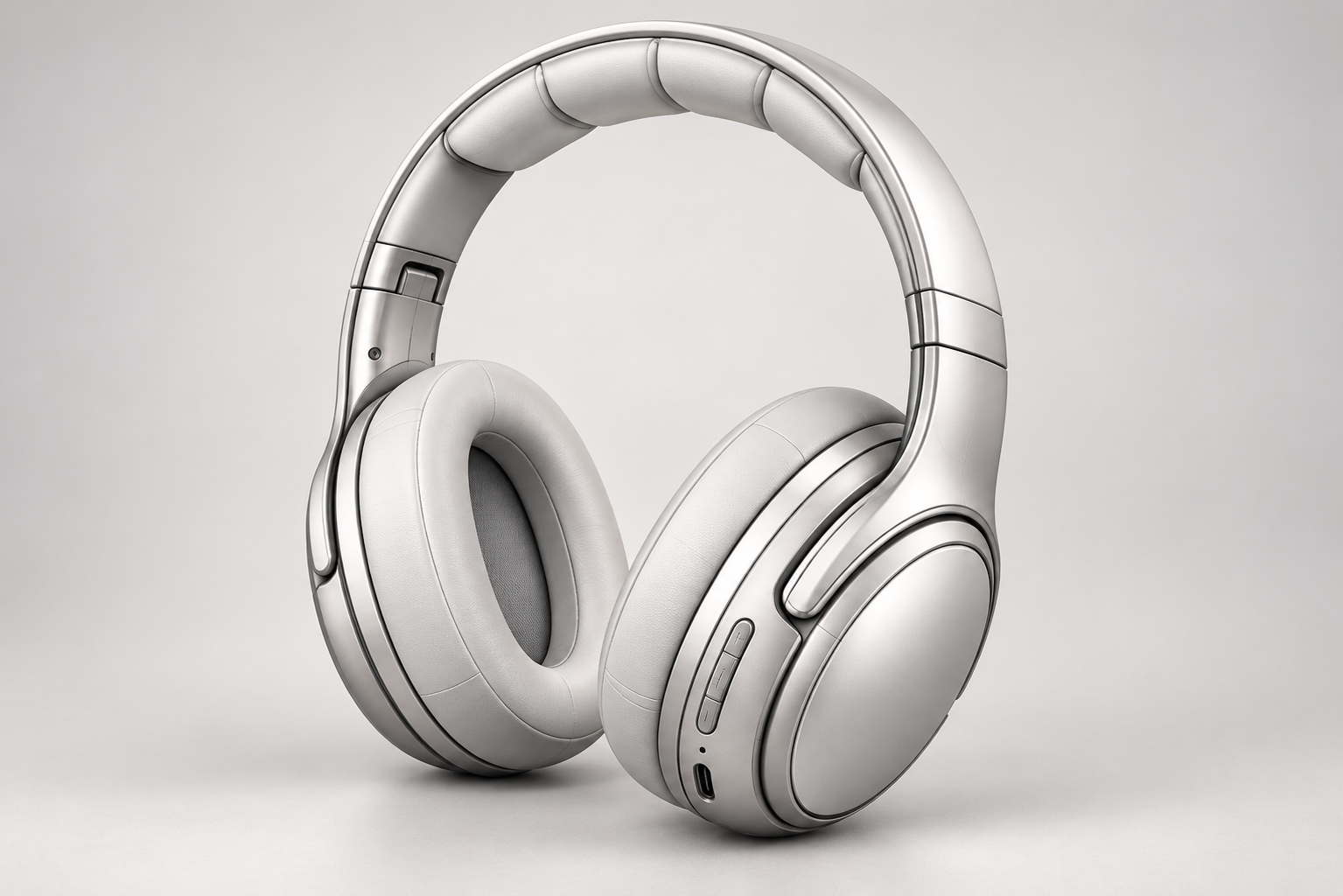 Concept A
Concept A
Preserve DesignBrushed Aluminum & PBR Satin
 Concept B
Concept B
Preserve DesignStudio Matte Black & Gold Trim
 Concept C
Concept C
Explore ConceptsRacing Red & Ergonomic Yoke
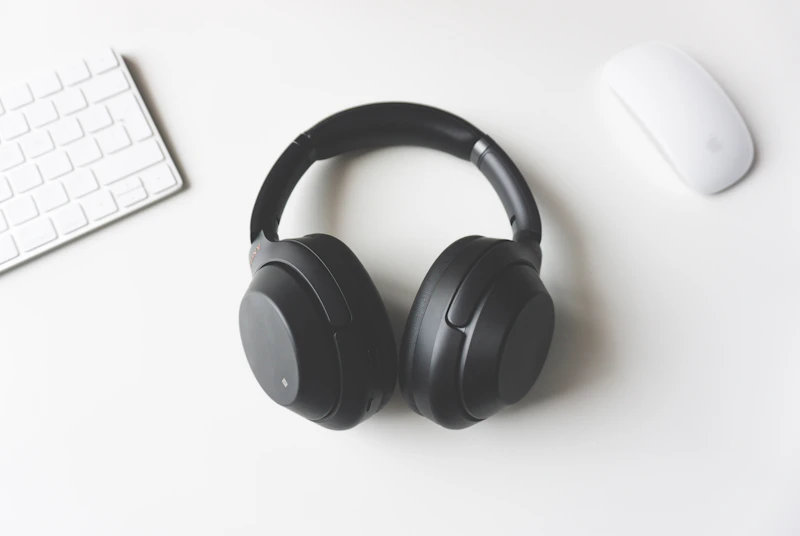 Concept D
Concept D
Explore ConceptsSoft Rubber & Warm Bronze Bezel
Two ways to explore
Preserve Design
Same product, four renders
Keep the silhouette, proportions, parting lines and interface placement of your input and explore different render looks, lighting and presentation styles. Use it when the form is decided and you need to see it presented.
Explore Concepts
Same brief, four directions
Start from the same input and brief and explore different outlines, proportions and details. Pin what must stay (for example the headband or button layout) and let the rest move. Use it when the form is still open.
Four specialized tools for every design stage
DesignCMF divides product development into discrete, high-leverage engines. Choose the right tool for where you are in the design process.
Product Concept Generator
Sketch, CAD screenshot or Brief
4 parallel concept directions (A–D)
Explore new silhouettes or test 4 render styles at once
Sketch to 3D Render
Single 2D line work or napkin sketch
1 photorealistic 3D studio render
Turn concept line work into client-ready studio lighting
Product Design Variations
Existing product photo or render
Form variations & redesign iterations
Evolve existing products without losing core brand DNA
CMF Design Generator
Product render or photograph
Zoned CMF spec sheet (PDF / CSV)
Paint 4 zones, test Pantone/RAL colors & PBR finishes
From idea to a shortlist in three steps
Add your input
Upload a hand sketch, a CAD screenshot or an existing render, then add an optional brief: user, materials, mood and constraints.
Pick a mode and generate 4 concepts
Choose Preserve Design or Explore Concepts. Four concepts (A–D) are generated at once and saved to a project.
Select, refine, continue
Select the concept you like and refine it into four new directions, or continue in Studio with CMF colorways, material swaps and presentation boards.
Questions
What can I upload?
A hand-drawn sketch, a CAD viewport screenshot or an existing product render (PNG, JPEG or WebP, up to 10MB). Add an optional text brief to steer materials, mood and constraints.
What is the difference between Preserve Design and Explore Concepts?
Preserve Design keeps the form of your input and varies the render. Explore Concepts keeps the brief and varies the form. Choose by whether the design is already decided.
How many credits does a run cost?
Four concepts cost 4 × 30 credits (120). If fewer than four images are delivered, the unused credits are refunded automatically, and a failed run is refunded in full.
Is this production CAD?
No. The results are AI concept visuals for early exploration and client discussion. They are not CAD geometry, engineering models or manufacturing validation.
Can I keep working on a concept I like?
Yes. Refine it into four new directions, or continue in Studio for colorways, material swaps and CMF presentation boards. Every concept is stored as a version in your project.
Who owns the results?
You keep ownership of your uploads and the concepts generated from them. We do not use your designs in public galleries without permission.